Depending on the coding agents you prefer to use, you can now choose MCP as a connector to ByteRover CLI that best fits your workflow.
Last week, we launched Hook as a new integration between Claude Code and ByteRover CLI. For Claude Code specifically, this connector is a better alternative to traditional rules files. We explained the reasoning behind this integration in our CLI 1.1.0 release notes.
This week, we’re introducing MCP as a new connector option.
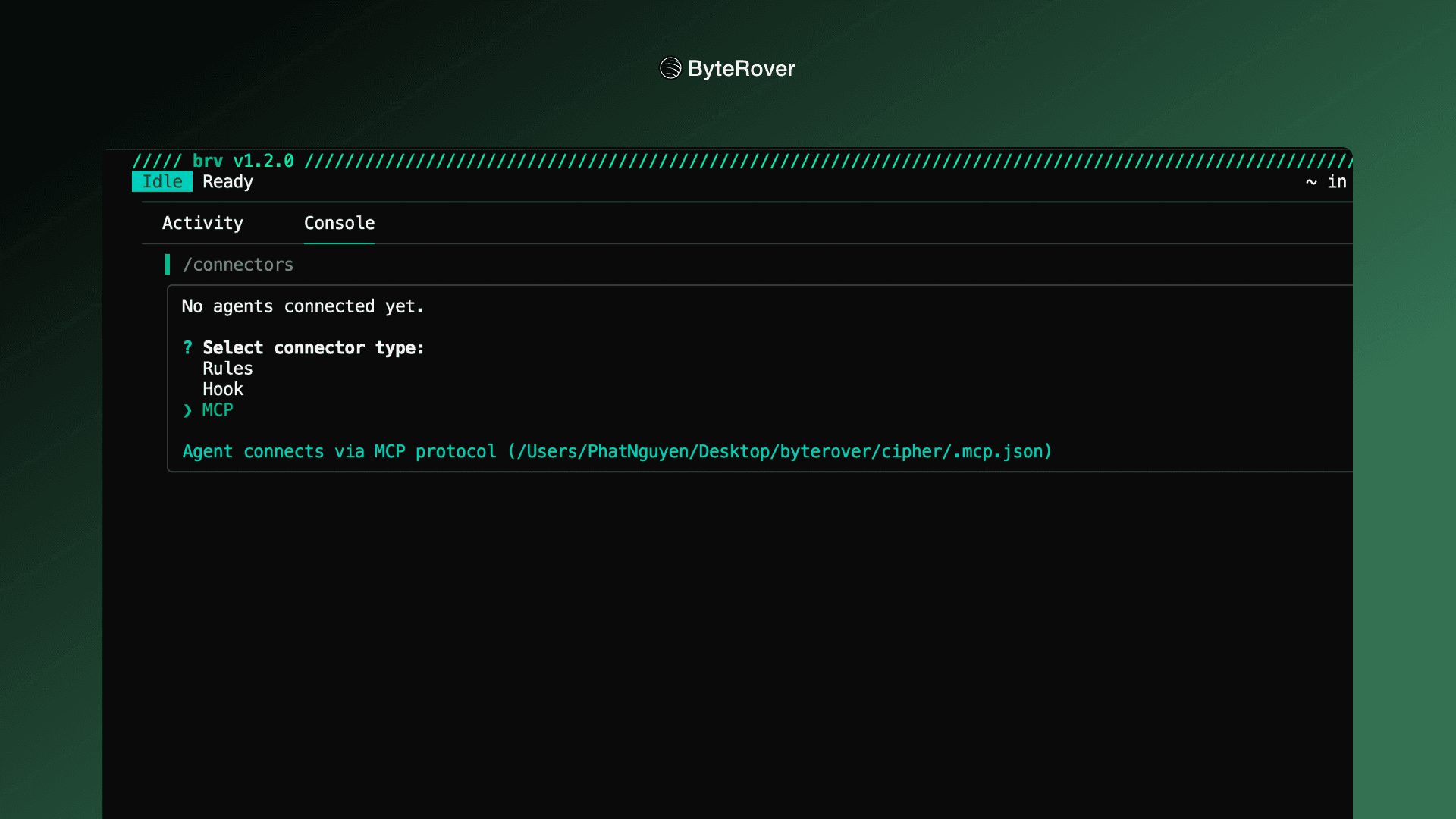
MCP as a new connector
Previously, integrations often relied on one-size-fits-all rule files that bundled extensive CLI command instructions. Many of these rules were unnecessary for core context-management operations in ByteRover CLI, such as brv_curate and brv_query.
With MCP added as a new connector, agents can now interact exclusively through ByteRover tools like brv_curate and brv_query, without requiring full ByteRover CLI rule file.
MCP is a recommended connector option for all coding agents. For Claude Code, we recommend trying both Hook and MCP, and choosing the integration that best matches your preferred workflow.
Try it now
If you’re already using ByteRover CLI, you’ll see a notification in your terminal prompting you to upgrade to the latest version.
If you’re new to ByteRover, you can get started at app.byterover.dev.