Product Release
Codex App Integration: Shared Memory for Parallel Agent Workflows
OpenAI recently introduced the Codex App, a focused desktop experience for working with Codex threads in parallel. With built-in worktrees, automations, and Git support, Codex provides a clean environment for running multiple agent tasks side by side, organized by project.
ByteRover can now integrate with Codex, bringing shared, durable context to those parallel agent workflows.
Why Codex + ByteRover works well together
Codex is designed around execution. Each agent runs in its own thread, scoped to a project, with strong isolation and tooling support. This makes it easier to work on multiple tasks at the same time without context collisions.
What Codex intentionally does not manage is long-term memory across agents or projects. Each thread is productive on its own, but knowledge learned in one place does not automatically carry over to another.
This is where ByteRover fits naturally.
ByteRover provides a shared memory layer that agents can query and curate against, regardless of which Codex thread or project they’re running in. Decisions, conventions, constraints, and lessons learned in one task can be reused by other agents without re-prompting or manual copy-paste.
In practice:
Codex increases agent execution power
ByteRover increases agent memory and learning continuity
Together, they make autonomous development workflows more reliable over time.
Shared context across Codex threads and projects
Because Codex runs agents in separate threads, it’s easy for context to fragment.
With ByteRover, agents can:
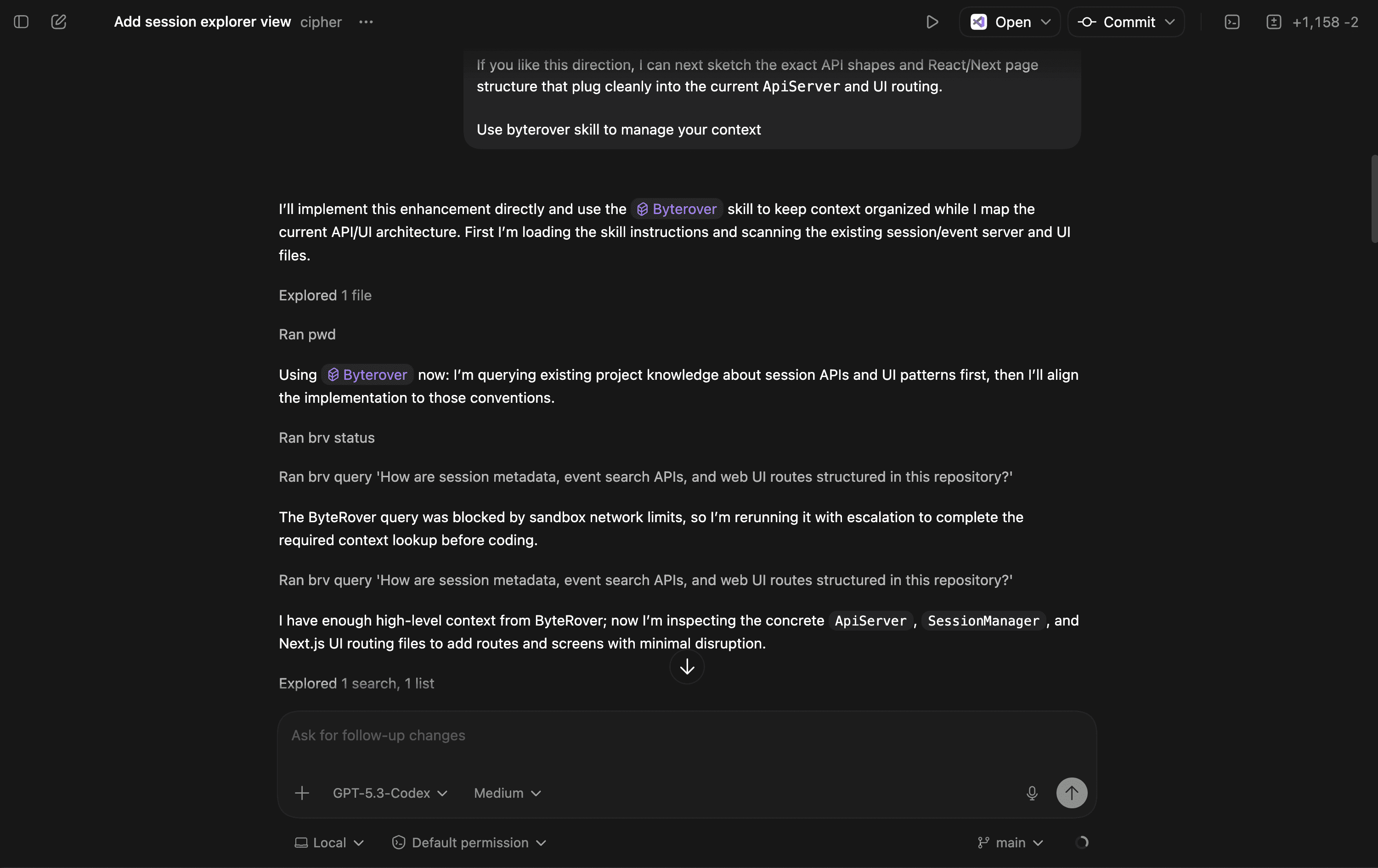
Query existing project context before writing code
Curate new learnings as durable memory
Reuse conventions and constraints across projects
This keeps parallel work aligned, even when agents are operating independently.
Supported integrations
You can connect ByteRover with Codex in the following ways:
Codex App (macOS)
Codex Extension
Both setups allow agents running in Codex to interact with ByteRover through the CLI, using the same workflows you’re already familiar with.
Installation
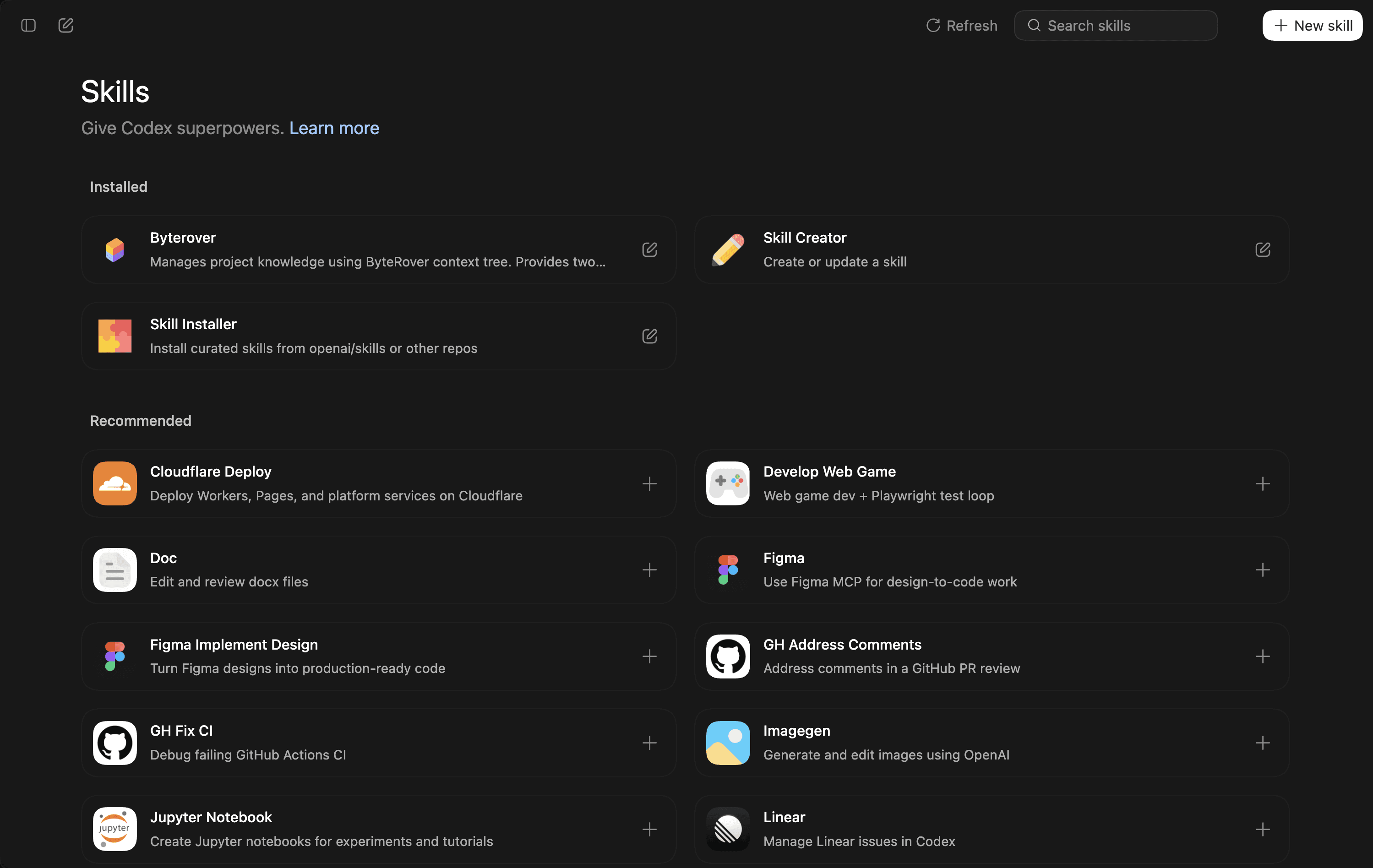
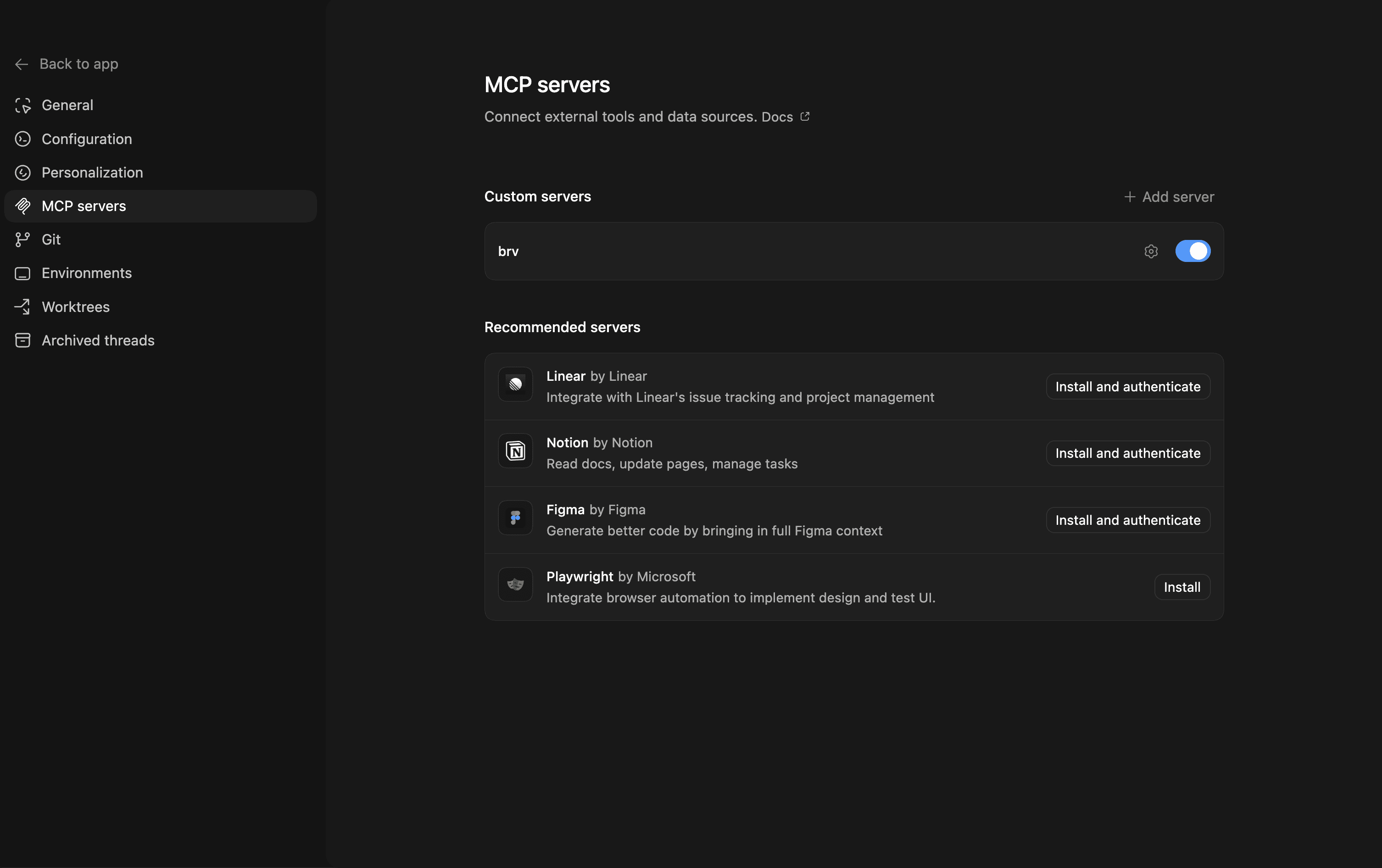
To get started, install both Codex and ByteRover:
Codex App:
ByteRover CLI:
Once installed, you can run ByteRover commands directly inside Codex agent workflows.
Prerequisites for running ByteRover in Codex
To use brv inside Codex, Internet/ Network Access must be enabled.
Without network access, the ByteRover CLI will not be able to execute within the Codex environment.
Try it out
If you’re already using Codex for parallel agent workflows, connecting ByteRover gives your agents shared memory and continuity across threads and projects.
If you’re new to ByteRover, you can get started at app.byterover.dev.
As always, we’d love to hear how you’re using Codex and ByteRover together and what kinds of workflows you’d like to see supported next.